3-D Printing at the Fletcher Free Library
We will be using a self-service system for 3-D printing starting in August, 2026.
There are a limited number of reservable slots on Sunday afternoons and Tuesday evenings for patrons to use the 3-D printer for two hours at a time, up to four times per year. We recommend print jobs that take a maximum of 1.5 hours.
- Patrons must bring their design on a USB flash drive. Design must be in STL file and exported through Makerbot to Adobe Acrobat format so that it will work on our printer. MakerBot
- We will offer printed instructions but limited staff support in case of printer malfunction or to load new filament. Otherwise, this will be a self-service program.
- Patrons must read the FAQs about 3-D printing using our machine prior to their reservation time.
- Ready to try the new system? Reserve the printer using this button.
If this model does not work for your needs or capabilities with 3-D printing, we can help you find local alternatives.
We will continue printing designs that have come in by July 15, 2026. Then we will pause to get ready for our new experiment in 3-D printing at the Library. Watch this space for updates!
Our printer was made possible by grants from VASE (Vermont Academy of Science and Engineering) and Google.
Don't know much about 3-D Printing? Check out the FAQs and resources below for instructions, tools, and inspiration!
 Get Started with 3-D Printing!
1. Design on your own or by signing up for a personal account on Tinkercad.
- FAQ
-
How big can I print?
The maximum build size on our MakerBot Replicator+ is 11.6 x 7.6 x 6.5 inches.
What material do you use for printing?
Currently, we are only able to print using PLA. You can find out more about the PLA we use on Makerbot.
How much does it cost?
0-1/2 hour of print time is free. Anything beyond is $1.00 for each half hour. We will round up to the nearest 15 minutes. Ex: Your print job will take 50 minutes to print. Your cost is $1.00.
We suggest Makerbot's time estimator to figure out how long your design will take to print. Reservations will be for two hours on the printer, so we suggest a maximum of 1.5 hours for your design.
Where is the printer located?
Our printer is located in the Library's Main Reading Room which is a public space. Please note that your printing process may be viewed by other patrons.
Can you show me some examples of what I can print at the library?
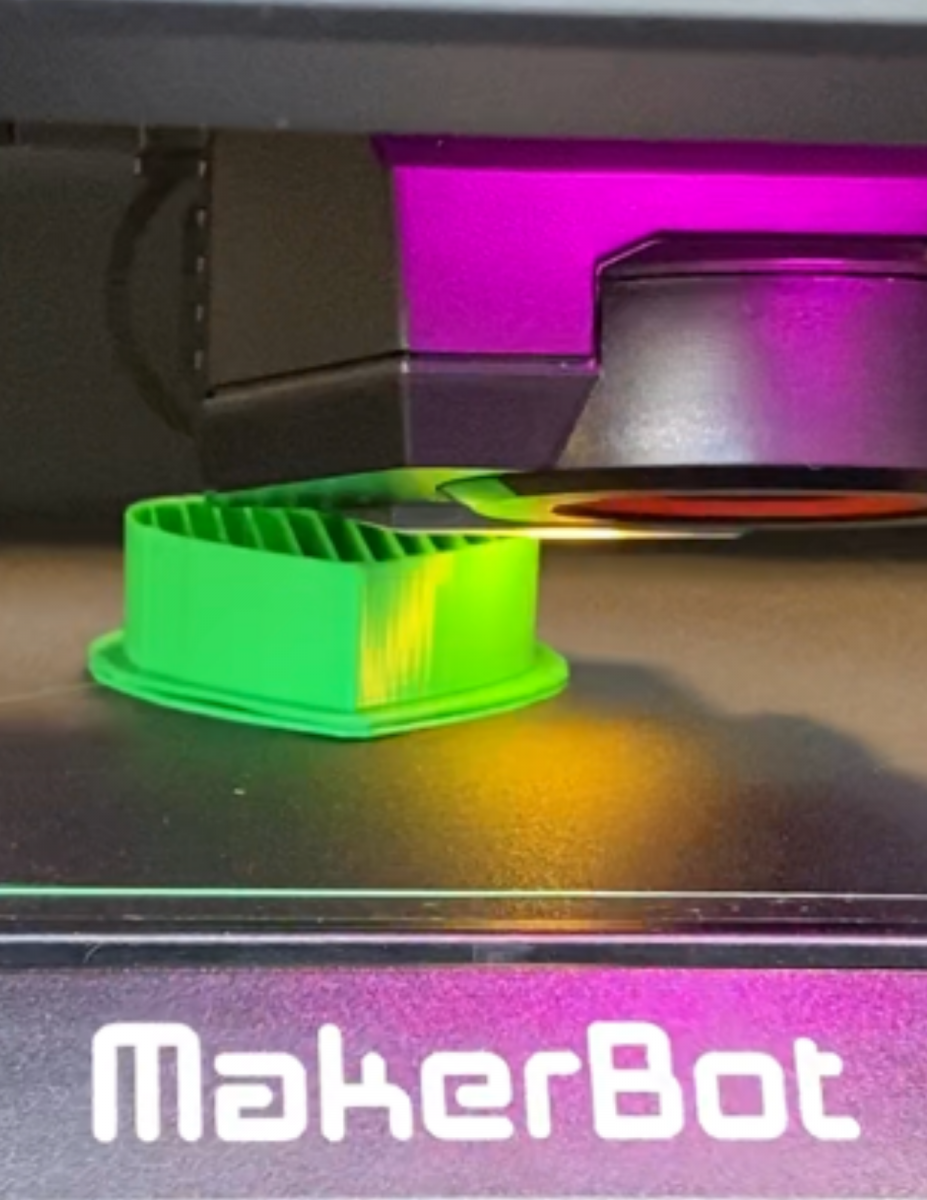
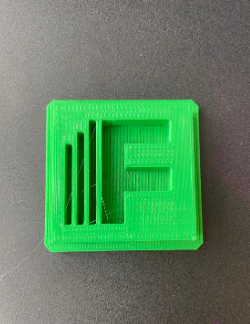
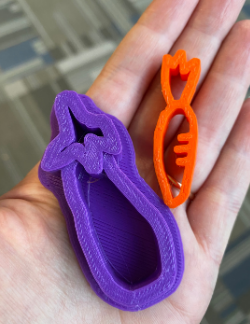
You can see some examples of our prints at the top of this page or view our YouTube channel to watch prints being made. We have put together a Pinterest board for more ideas for what you can print. We also suggest browsing Thingiverse and Tinkercad.
Where can I ask a question that's not answered here?
We're happy to answer any questions you have about 3D printing at FFL! You can email us at reference@burlingtonvt.gov.
- 3D printing resources
-
For basic "how to's", you can watch our YouTube video, 3D printing and Tinkercad 101 at FFL.
Looking for inspiration? We've saved some great ideas on our 3D print Pinterest board!
Tinkercad Starters, Lessons, and Projects
*Please be aware that the projects you find on Tinkercad and Thingverse are submitted by the public and not vetted by Fletcher Free Library. The following are other Third Party websites which we have either used or other libraries use. Please be aware that these apps and programs are all "use at your own risk".
- Convert an SVG file into STL (svg2stl.com)
- Fix and simplify your STL files at FormWare (formware.co/onlinestlrepair)
Let us know what you thought about your 3D printing experience by emailing us at reference@burlingtonvt.gov or online.